About This Shortcut
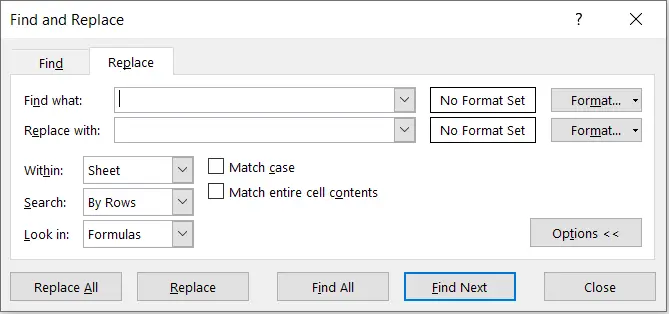
Display find and replace with Replace tab selected – Ctrl + H brings up the search and replace Window, where you can look for specific text and change it to something else.
Keybord shortcut key:
- Window: Ctrl + H
- Mac: Ctrl+H
Example:

Automation Specialist & Consultant
Umesh Manral
I'm a passionate Excel expert with a decade of experience transforming complex data into actionable insights. My journey began when I discovered the power of Excel macros to automate tedious tasks during…
View author profile
