About This Shortcut
Undo – Ctrl + Z undoes the previous activity. A multi-step process can be undone.
Keybord shortcut key:
- Window: Ctrl + Z
- Mac: cmd + Z
Example:
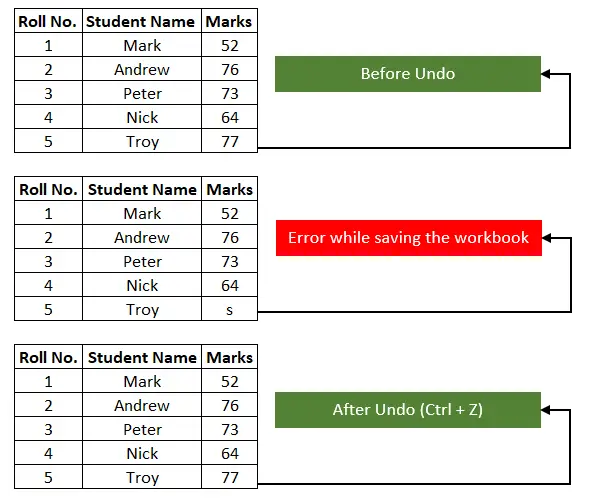
Suppose you have made any mistake in Excel; you can undo the action by tapping Ctrl + Z.
Lets’ say the last record you entered “77” but by mistake you entered wrong value in the table. Excel will step back one level, when you press Ctrl+Z and it will return the value that you entered in last action as shown in the below screenshot.